
The Carbon County Court Calendar
Carbon County settings flow from several official channels. The Carbon County Attend Court page sends Justice Court users to a calendar. The page also explains how remote hearings work. Utah Courts Xchange holds proceedings and minute entries once staff enter them into CORIS. A summons, notice, or later order may state the controlling date. For District Court matters, check with the Price clerk. Lower-level criminal, traffic, ordinance, and small-claims settings belong with the Carbon County Justice Court clerk.
Court names matter here. Seventh District Court handles felonies and class A misdemeanors. Its calendar also spans a wide range of civil, domestic, probate, and property cases. Justice Court takes class B and C misdemeanors, infractions, traffic, ordinance matters, and small claims within its reach. Juvenile settings run through a separate court. Those cases generally stay out of ordinary public Xchange results. A city name on a citation does not mean a separate city calendar exists.
Carbon Justice Calendar Protocol
Open the county Attend Court page first. Confirm whether the hearing is remote or in person, then select the scheduled event. A remote event supplies its Webex link when available. County instructions warn that links may appear only within 24 hours of the hearing. A blank listing several days early does not prove cancellation. The same instructions tell participants to join 15 minutes early. Several cases may share one time slot. Waiting online does not mean your setting is wrong. The official Carbon County pre-hearing checklist covers each of these steps.
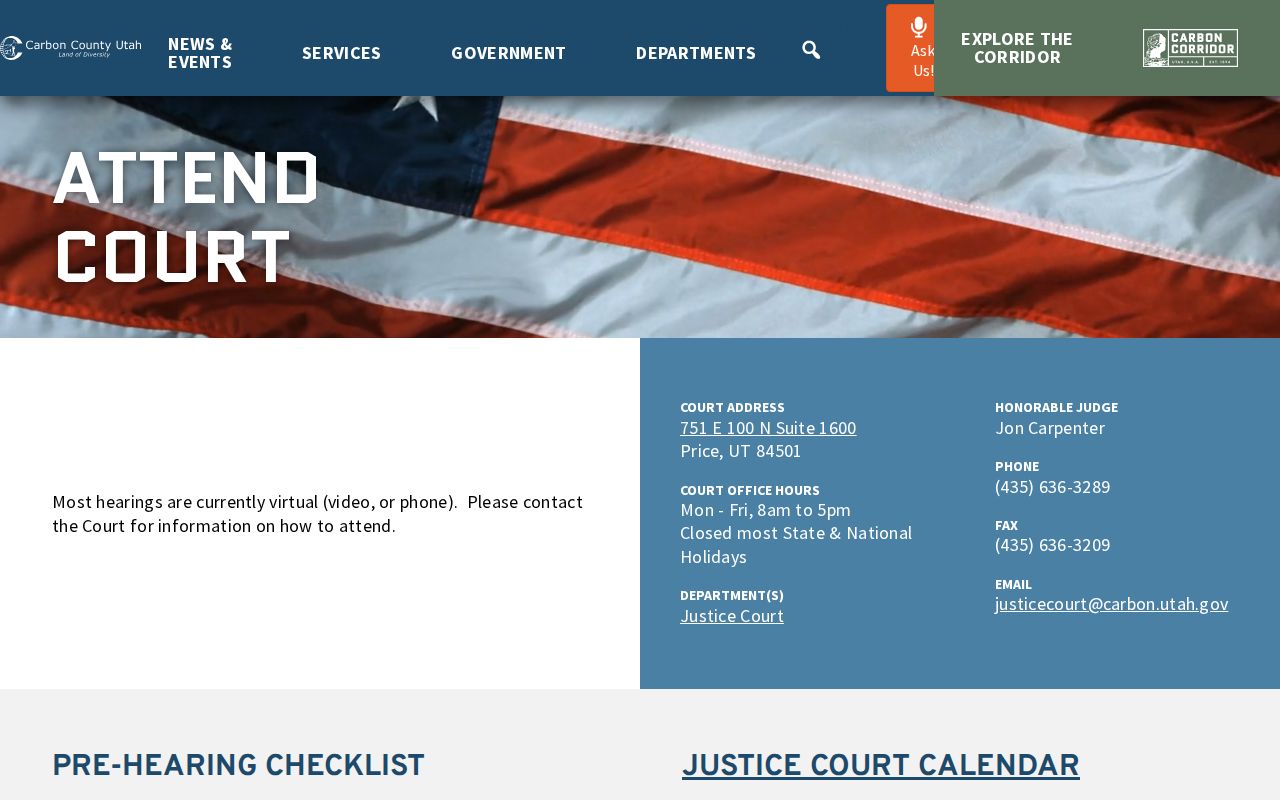
The checklist ties the calendar to practical tasks. Select an event, find its video link, join early, and contact court staff when a setting cannot be located.
How to Find Your Court Date
When a hearing is near, run several checks rather than one. Each route solves a different search problem, so an online no-match should never end the inquiry.
- Read the newest summons, notice, order, or filed paper. Confirm the court name, date, time, and hearing method.
- For Justice Court, open the county calendar route. Select the event and check the date, location, and any video link.
- Search Utah Courts Xchange by case number or name. Limit the scope to Carbon County and the right jurisdiction.
- Read Case History chronologically. Look for a later minute entry, continuance, or order that changes an earlier setting.
- Call Justice Court at 435-636-3289 or Price District Court at 435-264-4640 when dates conflict.
- Ask about the clerk counter or free public Xchange terminal. Utah Courts reports free access at most district courthouses and possible access at some justice courts.
- Use a current printed notice or calendar supplied by the court, then confirm any conflict with staff.
The full Carbon County case search works well when only a party name or partial case number is known. Xchange remote searches carry charges. MyCourtCase gives eligible parties free access to their own case information instead.
Carbon Remote Hearing Timing
Remote and in-person settings demand different preparation. A remote participant should check during the final 24 hours, install Cisco Webex when needed, and join 15 minutes before the set time. The county posts Tuesday first appearances at 9 a.m. and describes Tuesday hearings as first-come, first-served. That queue only controls call order, not the legal date on a notice. Small-claims scheduling may require direct court contact.
No Webex link yet? Check again within 24 hours of the hearing, then call 435-636-3289 instead of assuming the event was canceled.
In-person participants should verify the current entry too. State and national holidays can close the office. Carbon County publishes no standing weather closure order, so confirm any closure directly rather than inferring one from road or weather conditions.
Reading a Court Setting
A setting is a scheduled event, not the full file. Carbon County's static sources confirm the fields below. Other details can appear live, though the legacy calendar does not reliably expose a fixed list of judge, party, caption, sorting, or filter fields.
| Date | The scheduled day, checked against later orders. |
|---|---|
| Time | The start time; several matters may share it. |
| Location | The courthouse or remote indicator tied to the event. |
| Setting type | A first appearance, small claim, motion, or other named proceeding when shown. |
| Case link | The event selected from the Justice Court calendar when available. |
| Webex link | The remote link, which may post only within 24 hours. |
Case History adds the location, number, parties, filing date, judge, proceedings, and outcome when public. It is useful context. It is not a live promise that an old hearing will still occur.
Carbon Court Setting Terms
Local and state sources lean on a small set of scheduling terms. What each one means depends on the actual order in the case.
- First appearance
- An early Justice Court appearance; Carbon lists these on Tuesday mornings.
- Setting
- A scheduled event with a date, time, and place or remote method.
- Law and motion
- A calendar for requests a judge will decide or manage.
- Minute entry
- A dated court record of what happened at a proceeding.
- Continuance or reset
- A change that moves the event. It is not a dismissal.
- Webex hearing
- A remote event reached through the calendar link.
Problem-solving programs such as Price Adult Drug Court and Carbon Adult Mental Health Court can hold program sessions tied to an underlying case. Follow program instructions and the assigned court. Do not infer a date from a broad label.
Resets, Continuances, and Cancellations
A party may ask a Utah court to continue an upcoming hearing or trial. The request is a Motion to Continue. Filing the request does not move the date. The judge decides. Until the court issues a new notice or order, the existing setting stays in force. A later order, clerk confirmation, or later proceeding controls over an old calendar entry.
Read the whole sequence before trusting any single docket line. Xchange may retain an earlier scheduled event after another entry moves it. Find the newest future date. Look for the wording showing an event was continued, reset, or canceled. Do not turn Utah disposition codes into invented calendar codes. Transferred, remanded, and reopened describe recorded case actions. No general Carbon continuation code exists.
Carbon Court Contact Checks
Carbon County Justice Court sits at 751 E 100 N, Suite 1600, Price, UT 84501. It is open Monday through Friday from 8 a.m. to 5 p.m. Its phone line is 435-636-3289. The Price District Court operates from a different building. That address is 149 E 100 S, Price, UT 84501. Call 435-264-4640 there, or write to pricedistrictdocs@utcourts.gov for records.
These are two doors, not one. County GRAMA requests take a different route. They go through the elected Carbon County Clerk/Auditor rather than either state judicial office. Whichever clerk you contact, start with the basics. Bring the case number, the party name, the court level, and the hearing date from your newest notice. Ask staff whether the event will be remote or in person. They can walk you through procedure, but they cannot hand out legal advice.
Carbon Access Notice Windows
Give the court lead time on access needs. Carbon County asks for interpreter requests early. Aim for about five days ahead of a hearing when that is possible. In criminal and certain other proceedings, the court supplies and pays for an interpreter from its approved list. ADA accommodation requests should reach the Justice Court at least three working days before the proceeding.
Late notice does not mean you should stay home. Call the clerk right away and follow whatever they tell you. The Justice Court posts rights materials in English and Spanish. Some include video. Still, no video substitutes for a live interpreter or a hearing-specific accommodation.
What To Do If You Miss a Setting
A missed setting in Carbon County calls for fast action. Never assume the court will post a new date on its own, because the fix turns on the case, the type of event, and the judge's order.
Missed a setting? Contact the clerk or your attorney at once, confirm the case status, and ask what filing or appearance is required.
Call 435-636-3289 for Justice Court or 435-264-4640 for Price District Court, based on the court shown in the case.
After you call, check the newest Case History entry. Follow the court's direct instructions if the online docket has not caught up yet. Hold on to the notice and write down when you made contact. If the missed event could touch your rights or release conditions, get advice from a licensed attorney. The event could affect you badly.
Carbon Calendar Cross-Check
A solid date check in Carbon County stacks three things: the newest filed notice, the correct court calendar, and a live confirmation from the clerk. Each plays a different role in timing. A notice, paper or electronic, only tells you what the court ordered on the day it issued. The Justice Court calendar shows the current local event and any late-posting Webex link. Xchange preserves proceedings once staff enter them in CORIS, so it reads history well but may lag a same-day change.
Bring the case number and the court location to every check. A bare number is not unique across Utah, and one party name can surface in more than one court. For a District Court setting, have the Price clerk confirm the event. For a county Justice Court setting, use the county number and the current calendar instructions. If a notice names Juvenile Court, ordinary Xchange is the wrong lookup, since juvenile case information is generally excluded from public view.
Keep the latest notice after any change. Write down which clerk confirmed the setting and when. When an attorney represents a party, that attorney may get an electronic notice through the filing system. Utah eFiling, though, is not a public calendar and cannot replace the case notice, Xchange, or the clerk. The three-part check earns its keep when an old event still shows, the legacy calendar target throws an error, or a remote link has not posted yet.